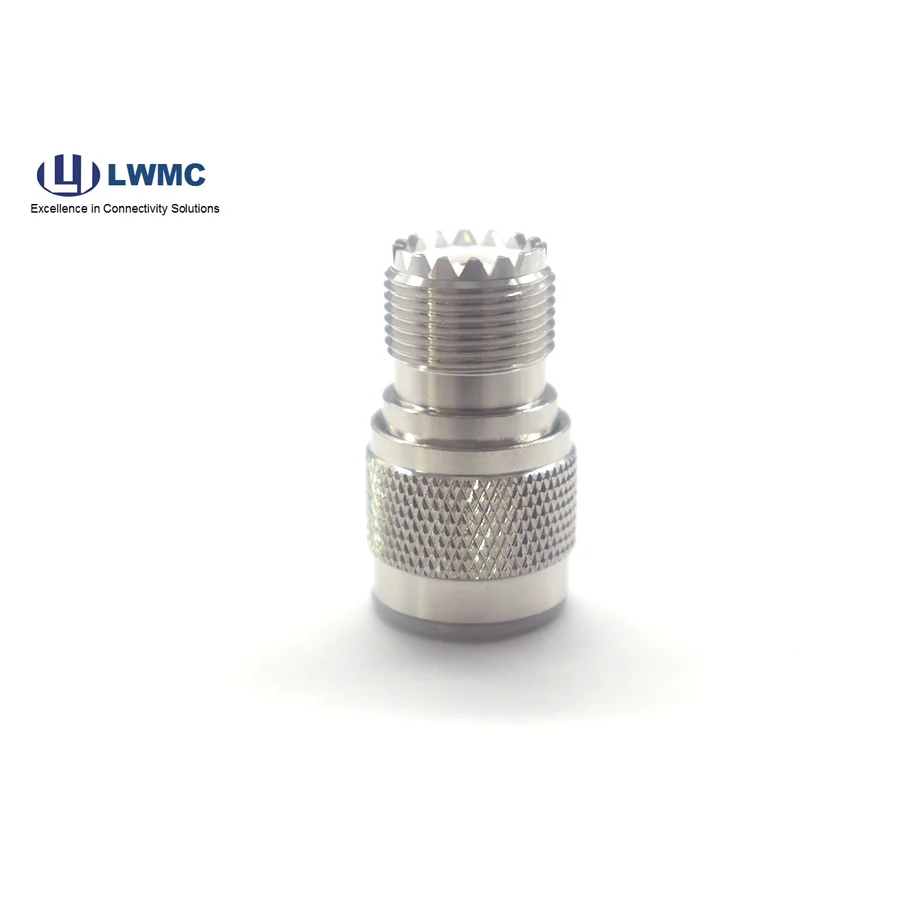
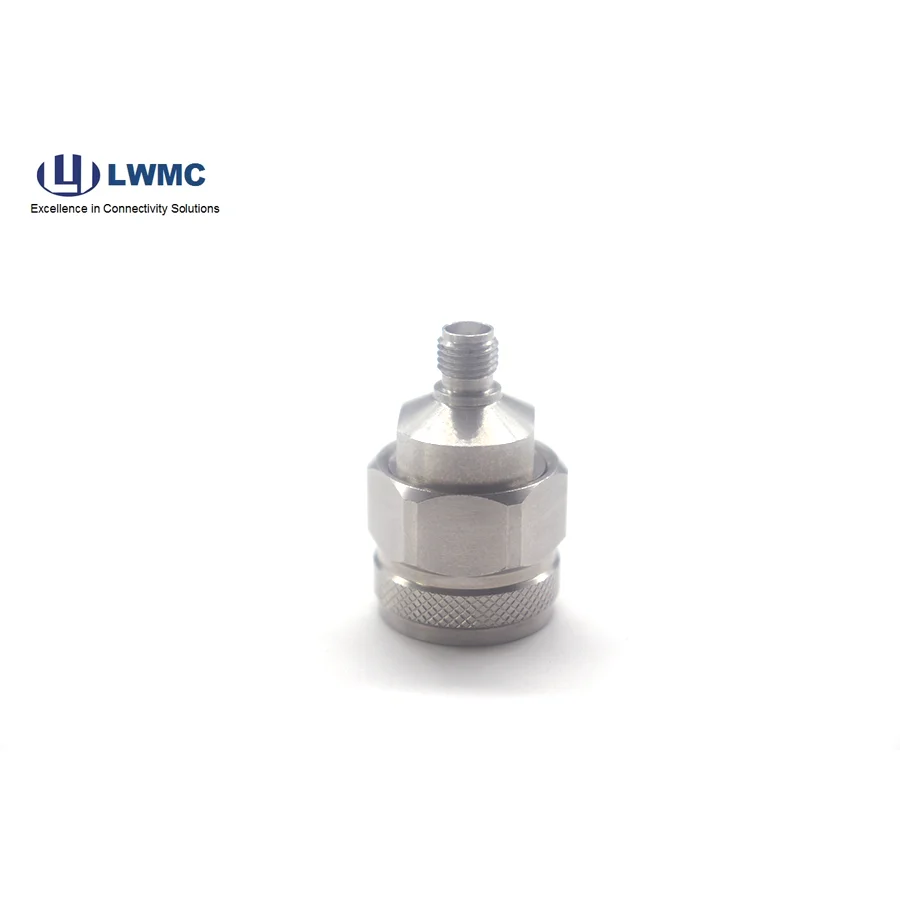
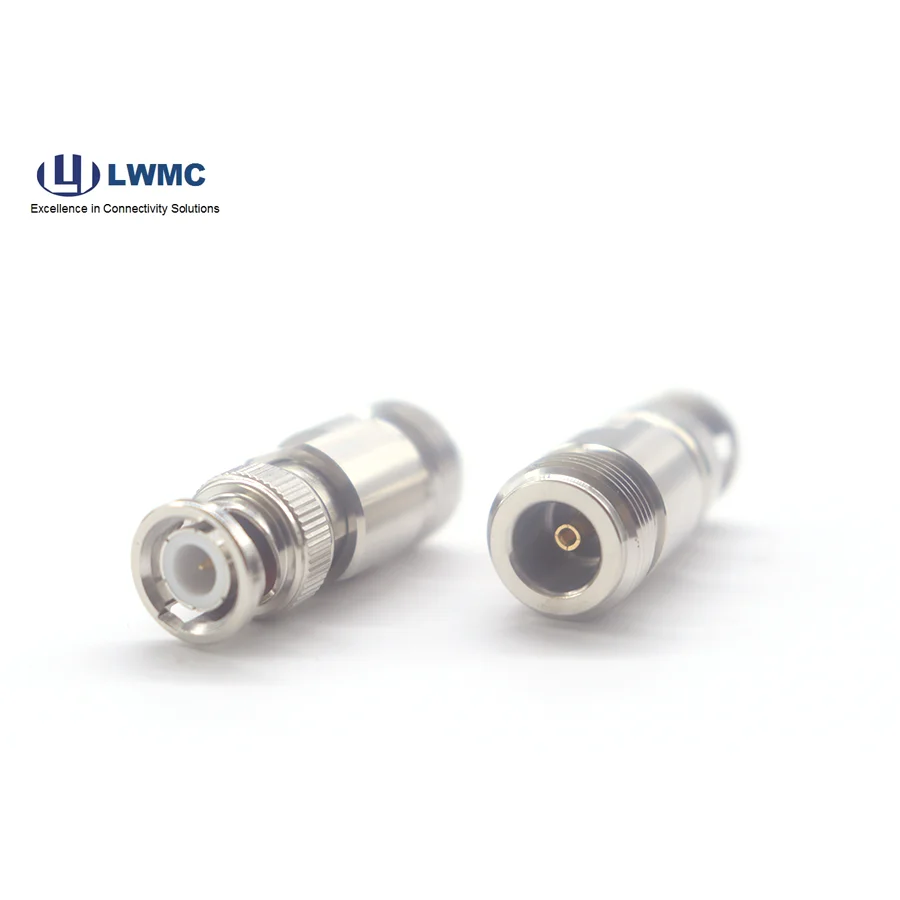
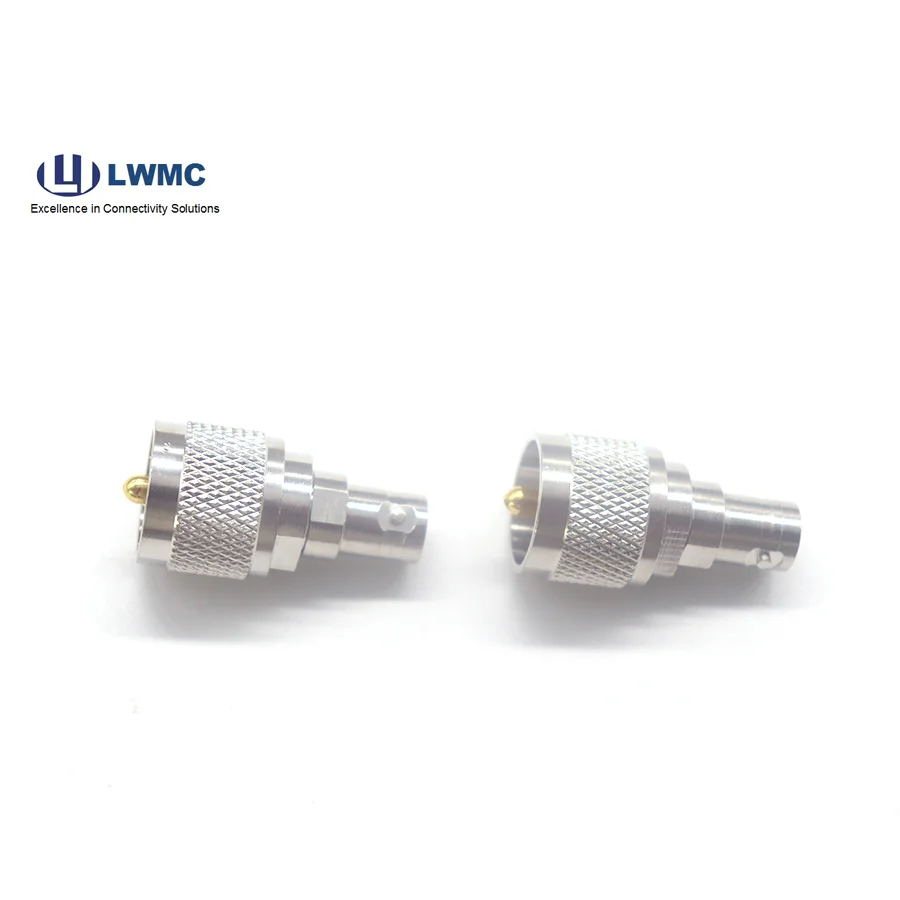
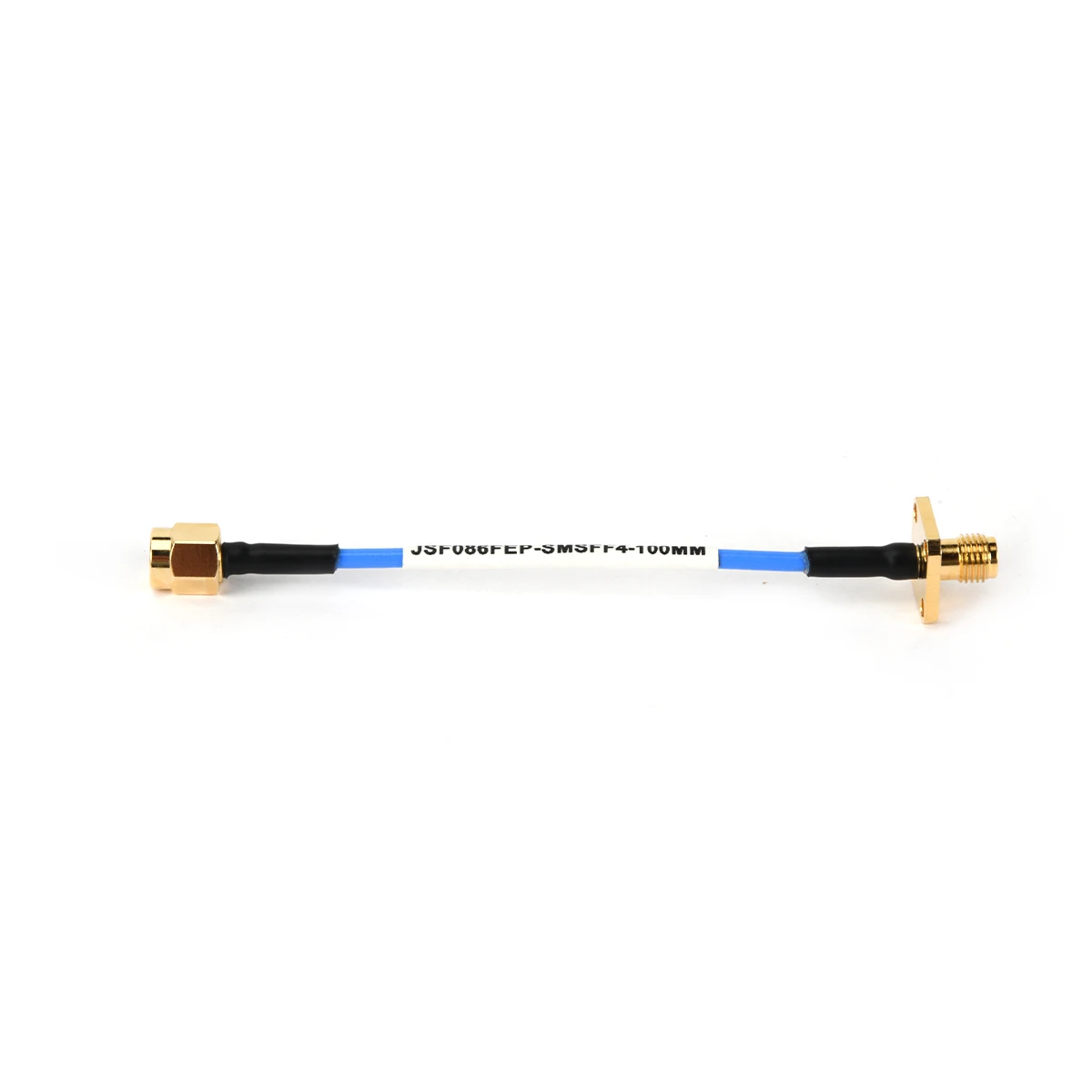
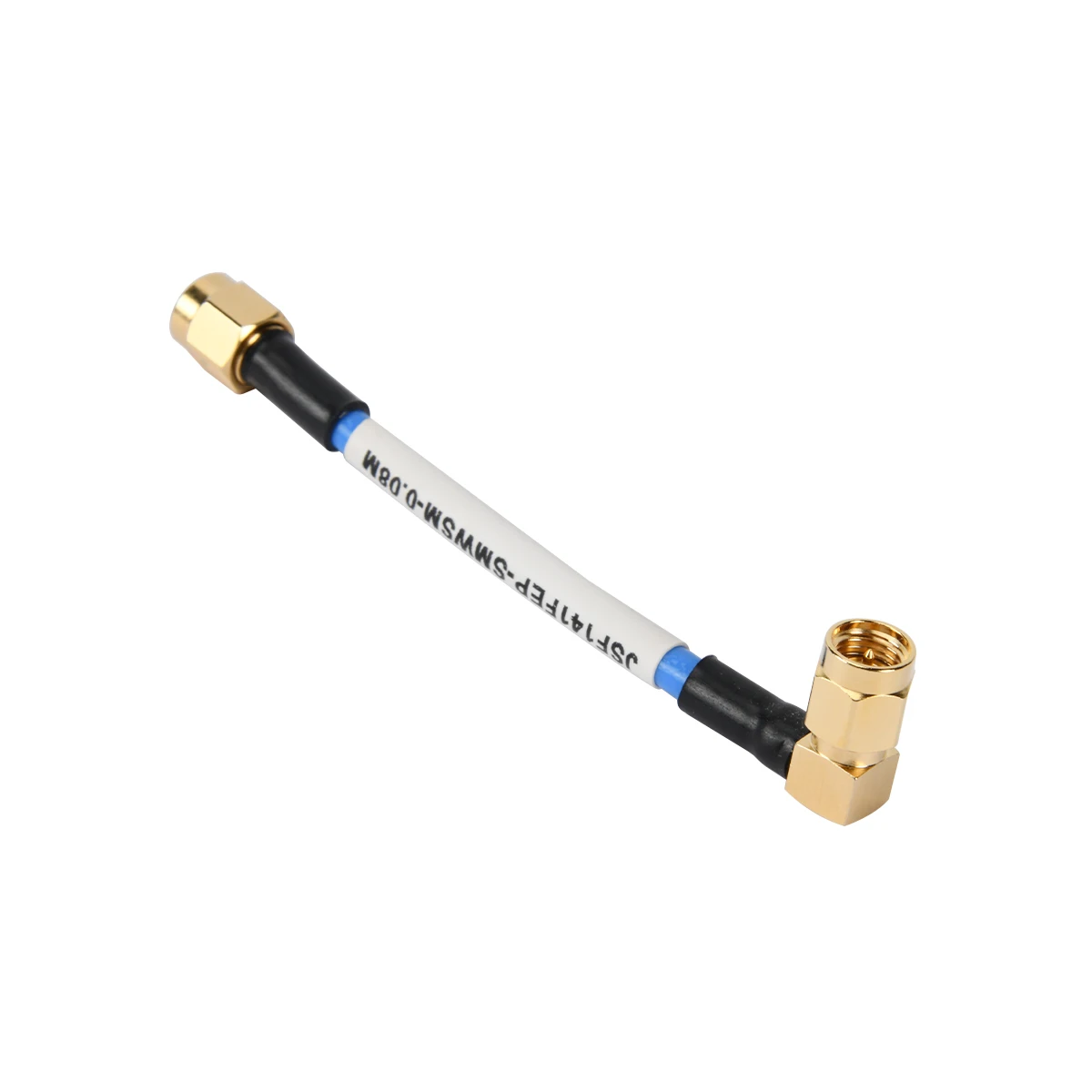
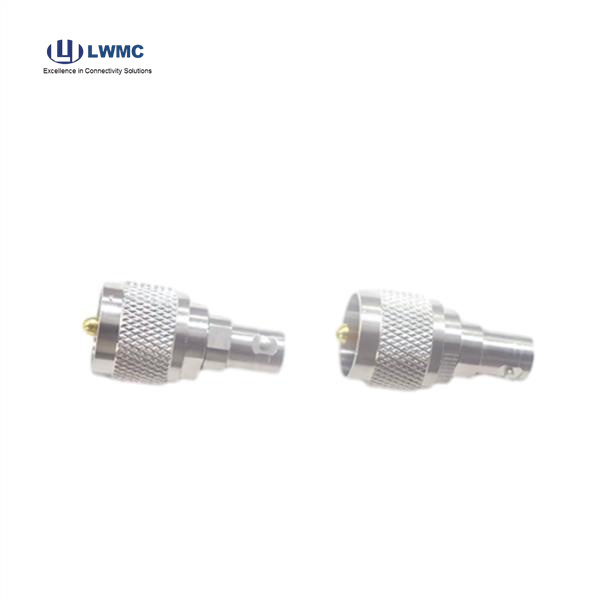
In the ecosystem of RF components, where RF Connectors, RF Adapters, and Coaxial Cable Assemblies form the backbone of signal transmission, the ability to bridge different standards is crucial. The BNC to UHF Adapter is a classic and indispensable tool in this regard. This simple yet vital device enables seamless interconnection between equipment using the quick-connect BNC interface and devices employing the threaded UHF (PL-259/SO-239) standard, solving compatibility issues across decades of technology.
The primary benefit of a BNC to UHF adapter is unmatched interoperability. It allows modern test equipment, video devices, or network analyzers with BNC ports (common up to 4 GHz) to connect to amateur radio gear, older broadcast equipment, or certain antenna systems using the robust UHF connector (typically for HF/VHF applications). This eliminates the need for costly equipment replacement or custom cables. As a highly versatile RF Adapter, it provides a compact, cost-effective, and electrically sound bridge. It preserves signal integrity by maintaining a controlled 50-ohm or 75-ohm path (depending on the specific adapter type chosen), ensuring minimal loss and reflection at lower frequencies. Its simplicity makes it a staple for hobbyists, technicians, and engineers alike.
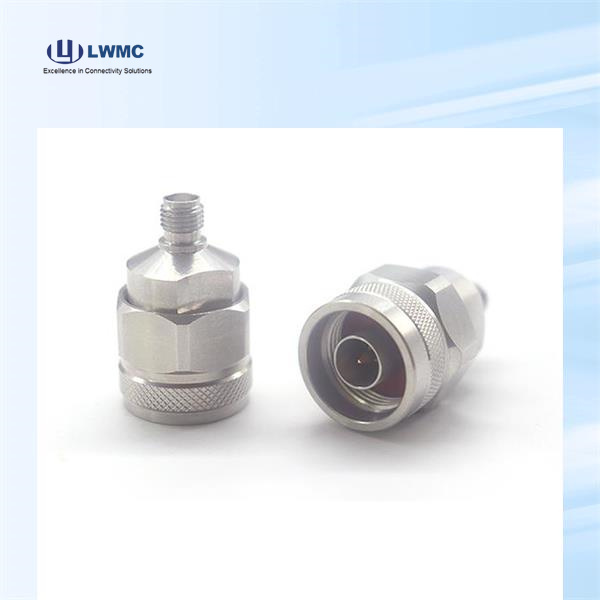
Proper installation ensures optimal performance and prevents damage. First, ensure the adapter is the correct gender configuration (typically female BNC to male UHF, or vice-versa) and impedance for your system. For connection:
Power Down: Always disconnect power from both devices to prevent short circuits or equipment damage.
Inspect: Check the adapter and device ports for dirt, damage, or bent pins. Clean if necessary.
Connect BNC Side: Align the pin and slot on the BNC connector with the corresponding port, push gently, and rotate the coupling nut clockwise until it clicks or finger-tightens. Do not over-torque.
Connect UHF Side: Carefully thread the UHF connector (PL-259) onto the equipment's SO-239 socket by hand. Once aligned, use a wrench to snug it securely, but avoid excessive force that can strip the threads.
Secure: Ensure the connection is firm and straight to avoid strain. For permanent installations, consider using cable ties or loops to relieve stress.
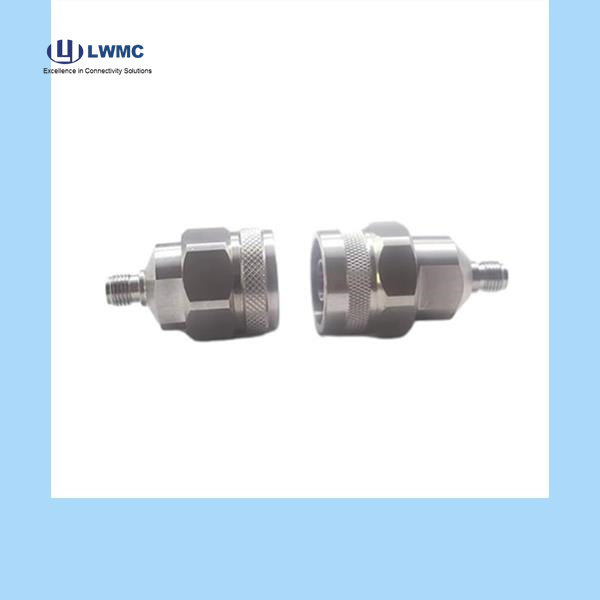
Choosing the correct BNC to UHF adapter depends on your specific application:
Impedance: For most RF applications like two-way radio or test equipment, a 50-ohm adapter is standard and critical for minimizing signal reflection. For vintage video (e.g., CCTV) or certain broadcast audio applications, a 75-ohm version may be required. Using the wrong impedance can degrade performance.
Gender: Identify the ports on your devices. You will typically need an adapter with the opposite gender on each end to connect two cables or a device and a cable. Common configurations are BNC Female to UHF Male (PL-259) or BNC Male to UHF Female (SO-239).
Quality: For critical signal paths or frequent use, invest in an adapter with a robust brass or nickel-plated body, Teflon insulation, and a gold-plated center contact. This ensures durability, stable electrical characteristics, and corrosion resistance.
Even with a reliable RF Adapter, issues can arise. Here’s how to diagnose common problems:
Signal Loss or Poor Quality: First, verify impedance mismatch (using a 75-ohm adapter in a 50-ohm system, or vice-versa). Check for loose connections; ensure the BNC side is fully clicked and the UHF side is firmly threaded. Inspect the adapter and cable connectors for physical damage.
Intermittent Signal: This is often caused by a faulty or worn-out connection. Gently wiggle the adapter while monitoring the signal. If the issue occurs, the contacts inside the adapter or the device ports may be worn or oxidized. Try a different adapter to isolate the problem.
Adapter Feels Loose or Won't Thread: On the BNC side, a worn coupling spring can prevent a secure lock. On the UHF side, cross-threading is a common issue. Always start threading by hand to ensure proper alignment. Damaged threads on the equipment port will require repair.
No Signal: Confirm system power and settings. Use a multimeter to check for a short or open circuit in the adapter (center pin to shell should not be continuous). The simplest solution is often to replace the adapter, as they can fail internally after stress or prolonged use.

 EN
EN